Saturday, August 18, 2007

Sunshine :Danny boyle, A genius?


ABSOLUTELY!
For all you Si-Fi enthusiasts/ fanatics this movie is the one to spend your hard earned money on!Its exhilarating all through, very smartly written by Alex Garland and made by an absolutely brilliant director, Danny Boyle.After I watched this movie I thought to my self,THIS is why I'm in the entertainment business'. As a conceptual design student I can tell you that its watching movies like these that will always want me to be associated with films like these and hope to work with good directors like Paul Greengrass, Alfonso Cuaron, Danny Boyle and the likes.
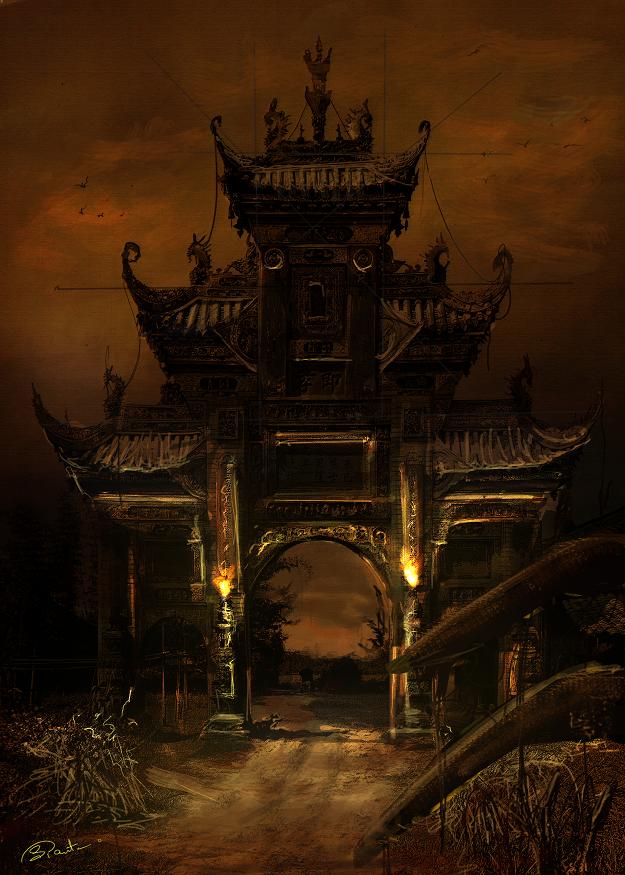
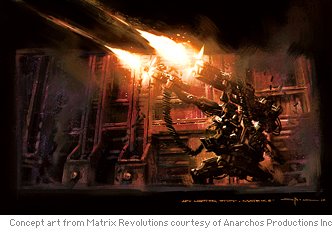
With the exception to the design of the Icarus itself, there is no real out of the ordinary design work, but very dramatic and cool visuals none-the-less
Here's the premise of the story -
In 50 years from now the Sun is dying.It is no longer providing the energy and the light that mankind needs to survive on Earth. The entire global community pools its resources to send a mission into space to deliver a bomb to reignite the part of the Sun that is failing. The story concerns the eight astronauts and scientists who lead this mission. On their journey towards the Sun the crew stumble upon the ship that was sent on the same mission seven years previously, the Icarus I, drifting in space. From this point on things start to go very wrong and it’s about how the crew react under the enormous pressure of their endeavor to save mankind.

More movie content:
Sunshine production Diaries

Friday, June 01, 2007

Value Study


just another exercise i did- mainly focusing on value rather than color.I like to do these kinds of exercises as and when time permits-

Saturday, April 28, 2007

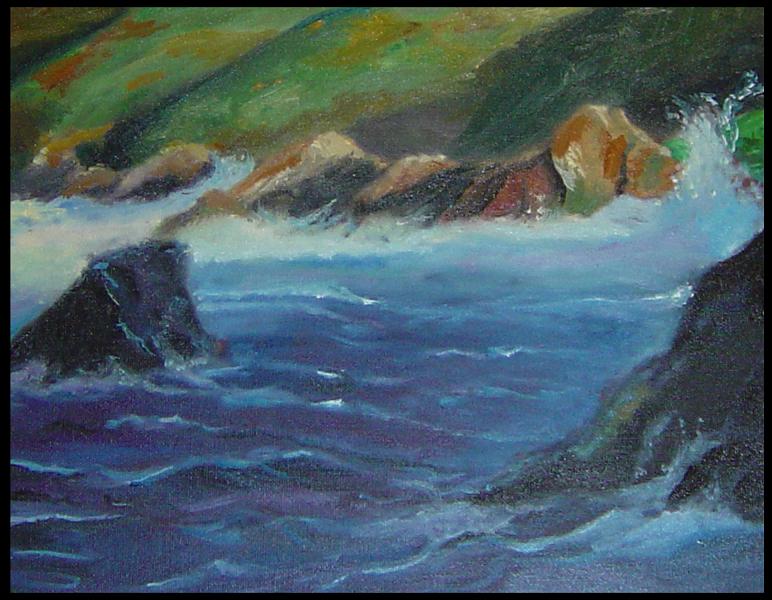
Viansa Winery- SONOMA


Title : ViansaWines
Medim : Oli On Canvas
Size : 24" * 36"

Time to completion : 6 hrs

Tuesday, April 24, 2007

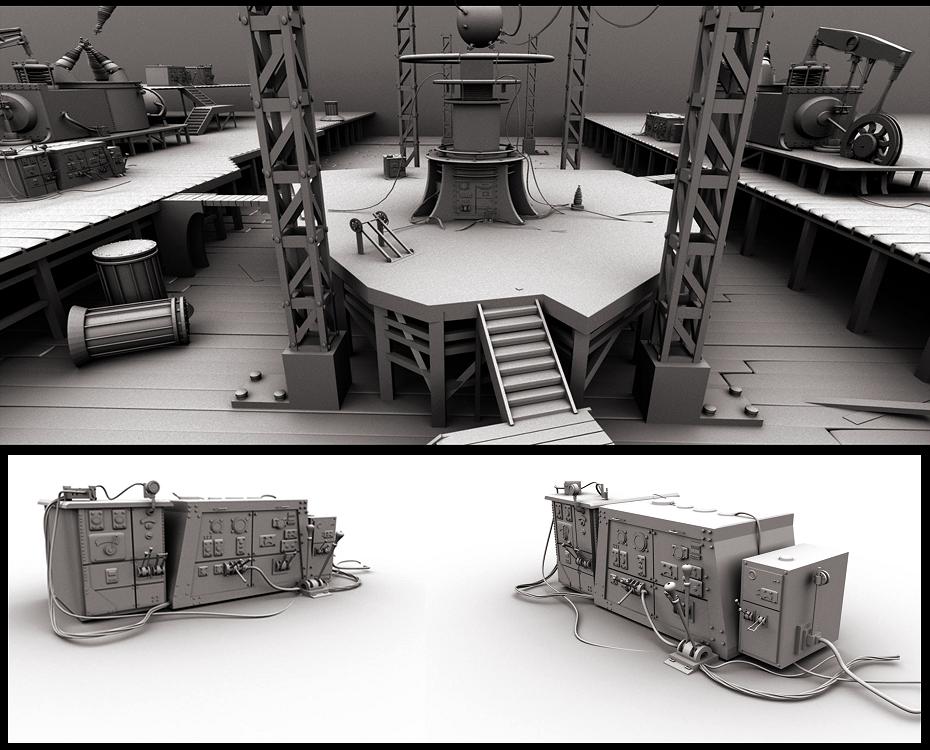
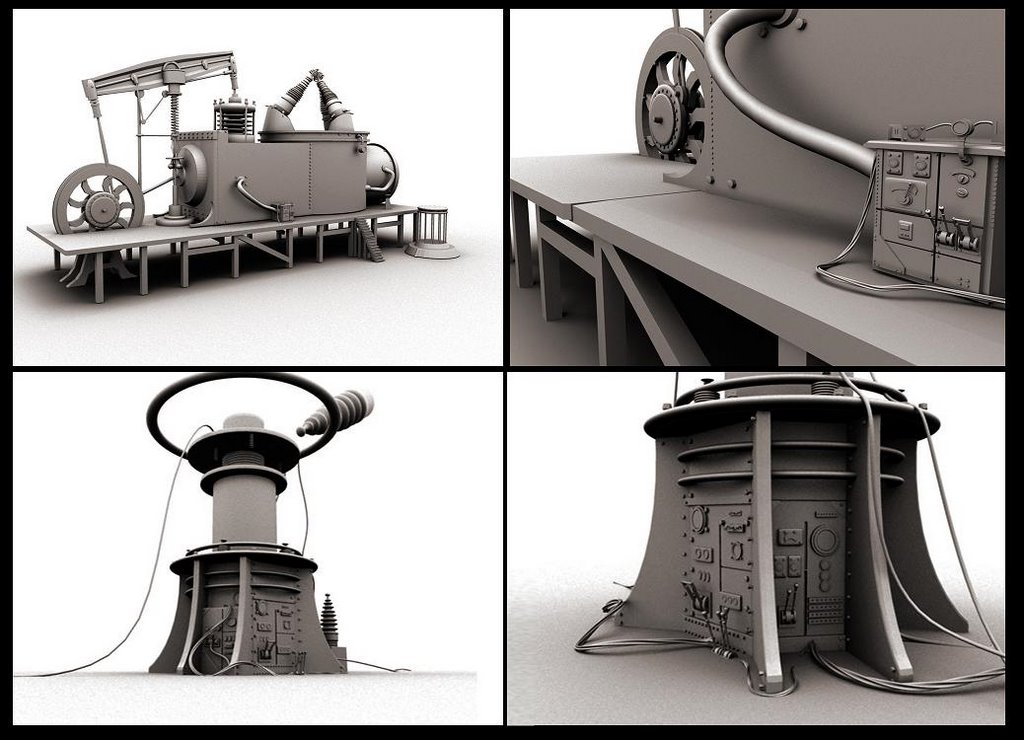
Thesis Design : Machine Sketch and mechanical detail


Some sketches out of my thesis project and mechanical blueprints - more to come...

Thursday, April 12, 2007

Thesis Design - Underwater Lighting Studies


I did these studies a while ago but just didn't get around to posting these here.The point of this study was to imitate water and the lighting underwater on photoshop.I'm happy with the result for the most part,only that the images are to the darker side is what bothers me-

Saturday, April 07, 2007

Monday, April 02, 2007

Digital Cityscape Painting - Exercise


No real reson to why i did this- I had this idea of an opening shot
to a futuristic cityscape spinning in my head ever since I saw blade
runner with the bursts of fire comming out of the top of the buildings-
In homage to that scene i created 1 of my own.


Friday, March 30, 2007

Quick Studies -


Medium : Oil on 8"*11" canvas
Quick studies

Tuesday, February 20, 2007

'View from Sausalito Bay'


Title - 'View from Sausalito Bay'
Medium - Oil on Canvas
Size - 24" * 36"

Monday, February 12, 2007

Sausalito Bay


Medium- Oil on canvas
Size- 9" * 12"

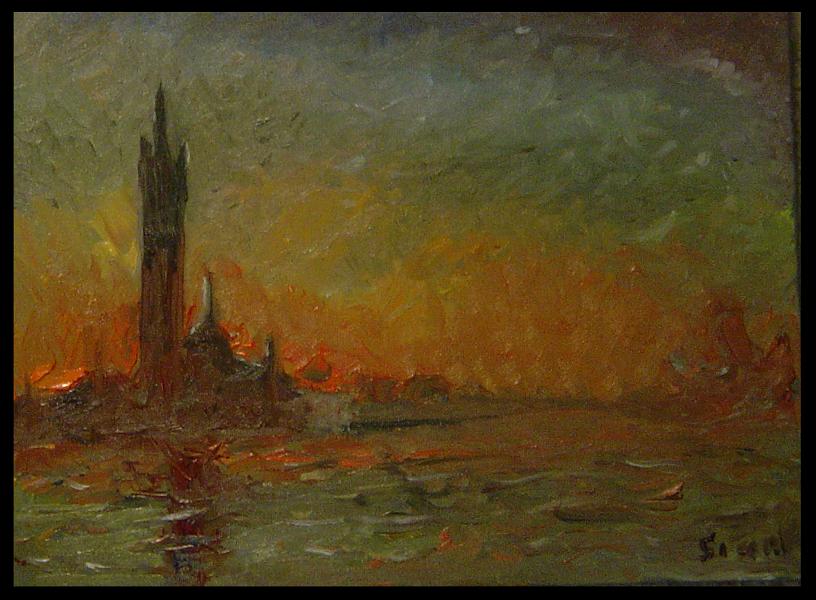
Sunset at La Jolla


Medium- Oil on Canvas
Size- 24" * 36"

Monday, December 11, 2006

from my sketch book


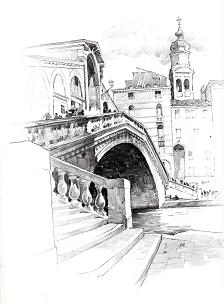
OK, so I confess, I havent been Sketching from life as much as i should- but here's a start-This was done on location and i tried to capture light and shadw using strictly values through #H,#B and HB Pencils.Hope to post more of these in the future

Sunday, December 10, 2006

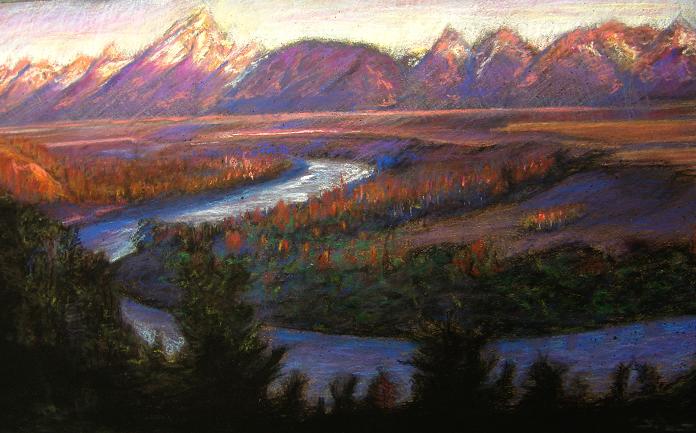
The Tranquil River


Medium: Pastel
Canvas: La'carte Paper
Size: 13 * 18

Monday, October 30, 2006

Tuesday, October 24, 2006

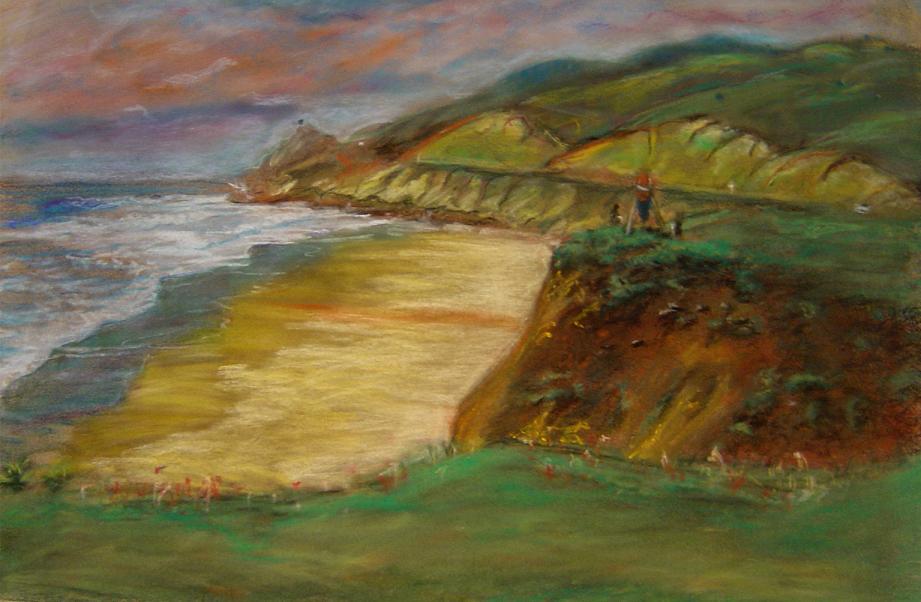
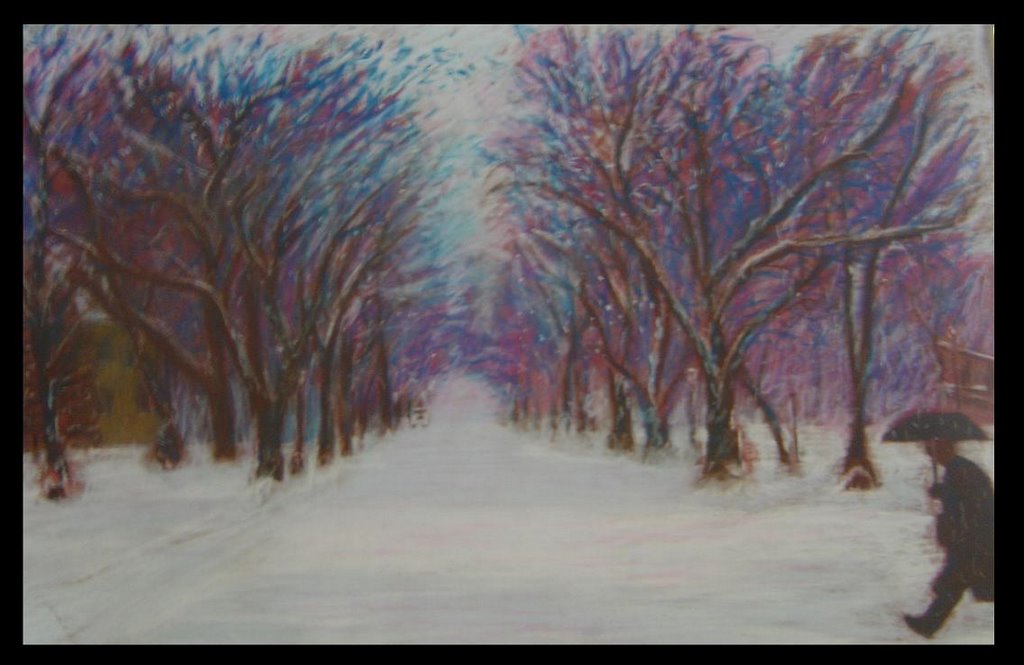
Pastel painting


Pastel on laCarte Paper
Size : 16 * 20
Time Taken: 6 hours

This was an intresting study.Its quite expressive given the use of colors in this piece.I wanted to have an overall warm look and contrast it with the cool greens of the fields.

Sunday, October 22, 2006

Sunday, October 15, 2006

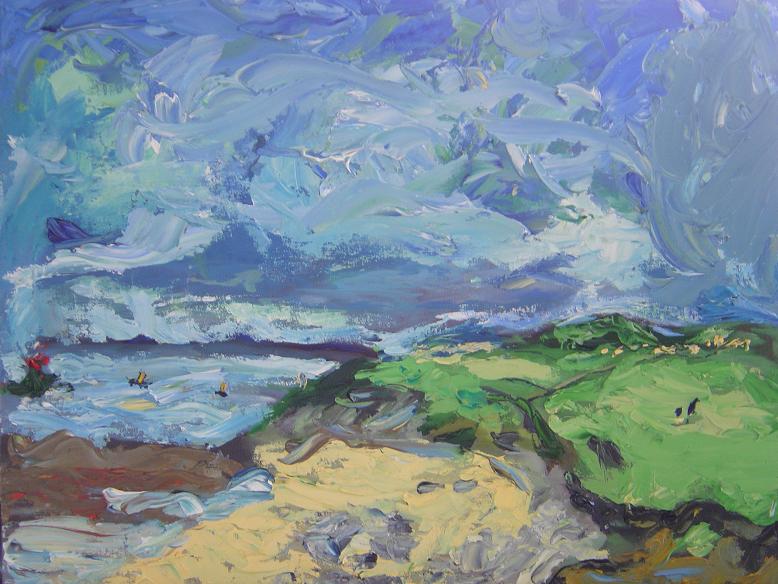
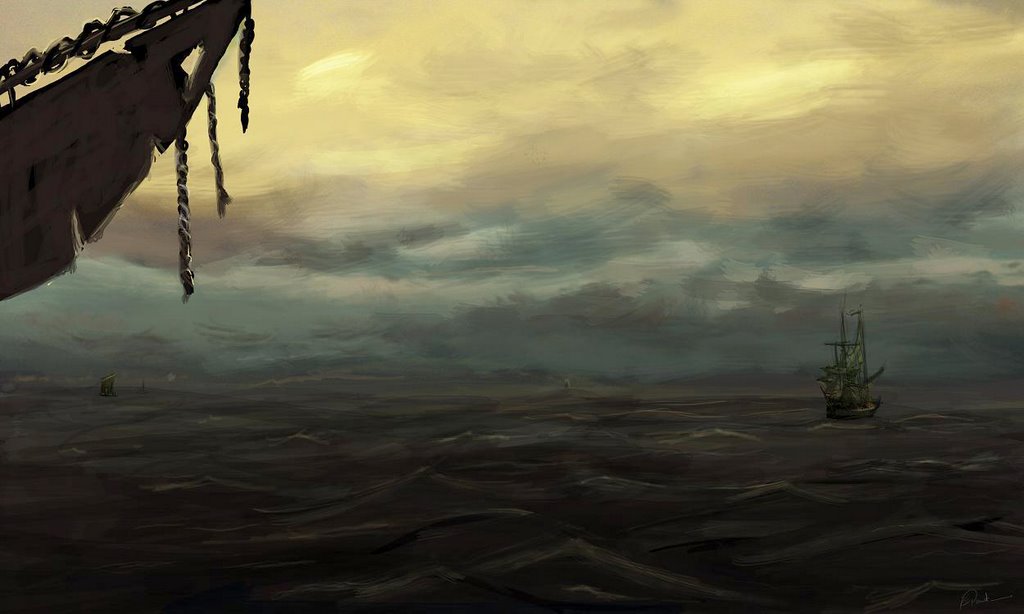
Cloud Study


Yet another impressionistic landscape painting.
I went for the really thick paintstrokes this time around.i think the challange here was getting the colors of the sky just rite.I used a lot of ultramarine blue with 40% white and some naples yellow to unify the piece with the ground color.

Thursday, October 12, 2006

Impressionistic painting


Bored 1 sunday morning I thought to myself-hey,wouldnt it be GREAT to do a study of a master painting- so here it is.
I've planned to do 1 every weekend or whenever time permits.
The second 1 is done in pastels- I have a love and hate relation with the medium- I love it for landscapes but have the hardest time doing figures with it.
I hope i can get better with time

Quick study


This painting was inspired by 1 of my favorite concept artists-Eric tiemens.
A quick sketch and a lighting study on photoshop.

Wednesday, August 23, 2006

ConceptArt Thread


Hey people,
I just put up some of my work on conceptart.org
for critique.Its been great so far.Some things
people pointed out about my work, I had not noticed
before.Well, I think thats how it works cause you
spend so much time looking at your work that after
a while you stop seeing anything new in it.
This,I found was a good way to get around this problem.
Hope you guys enjoy it.

www.conceptart.org

Monday, August 07, 2006

still life painting


Just did this today as my final piece for 1 of my classes.

some of my work...


RockYou slideshow | View | Add Favorite

Sunday, July 16, 2006

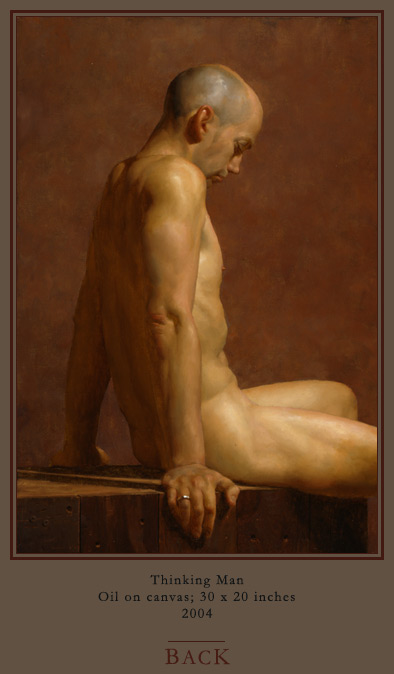
Jacob collins - A Master Painter


One of my friend's sent me a link to his site.I must say, his figurative works are one of the best I have seen yet.Do let me know if you know of anyone else whos is as good or better.(hard to belive that someone could be better)

Jacob Collins Painter

A Friend and Mentor


I am happy to let all of you know that the long awaited 'D'ARTISTE Concept Art-Ballistic publications' book is finally out and George has some really good tutorials in there.You guys should definately check it out.Some great tips on photoshop renders and good concept design work.
CONGRATULATIONS G!


If you are intrested in puchasing a copy here's a link to the homepage: WWW.GHULL.COM

Doug Chiang Studio

This is a great FAQ page.Very informative of how 1 of the greats works and how he deals with creative blocks,something we all go through, atleast i do (on a daily basis!)
enjoy!!

Doug Chiang Studios

Art of Pencil Drawing


This is a great book written by Ernest W.Watson.Its always good to go back to basics once in a while.This book talks about line weight and there is a lot of emphasis on patterns of the subject you are drawing.
DEFINATELY A MUST READ FOR ANY ILLUSTRATOR.
Currently I've been doing exercises using this book as a guide and its already helped my line drawings.Again, I cannot stress enough on how much help this book can be.

Sunday, March 26, 2006

Stephean Hawking : Astro-physicist


Hey Guys,

I'v always been an admirer of Stephen Hawking's work and this article I went through definetly gives an insight on how a guy suffering from ALS can still hold the position of Sir Issac Newton in the University of Cambridge.

I am quite often asked: How do you feel about having ALS? The answer is, not a lot. --- Stephen Hawking.

Article : http://www.hawking.org.uk/disable/dindex.html

Wednesday, March 01, 2006

Great sites to learn hardsurface modeling from..

Tom rules again 'yall!He gave us these 3 links, all of which are great car modeling tutorials.Some are spline based (Tom was not too excited about that) and some have great blue prints that u can download.

Here are the links :
www.blissdd.com : go to the "Play" menu, and then download the WRX folder.You'll love it!
www.suurland.com : for blueprints
www.onnovanbraam.com/tutorials/splinecarmodeling/ : this one is the spline car modeling tutorial.
Enjoy ! :)

Calling all PIXAR enthusiasts'


Hello People,
If you'v not already heard, PIXAR is comming to the academy to hier!Yeppy, hurray and the whole shebang! This time to hier only TD's though.So, my request to all TD's out there, get into gear! Best of luck to all 'yall who are applying.The event is scheduled for the 2nd of March at the Morgan Auditorium on post street.
Best of luck!

Wednesday, February 22, 2006

Chronicles of Narnia.. Fantastic!


Hey,
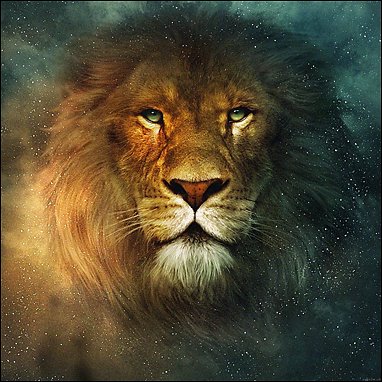
Hope all you guys got a chance to attend the making of -Chronicles of narnia last week.For all who dind't well, i'll see if i can scrap some notes out and put it up here.It was really gr8! As you all know the lead creature artist Will Telford - Creature Supervisor and Hans Rijpkema - Character Technology Lead were there and defenetly gave some intresting info on the making of Aslan.The beast is sooo well done! The muscle dynamics of the lion - both primary and secondry motion of the animal's movement were well animated, partly mo-caped and partly hand animated.For those of you who are intrested in numbers, 98 points of motion on the face alone, and another 200 on the body, 40 different sets of hair on the animal that had to be animated like clumed up hair, hair being affected by wind etc etc. all the good stuff u know.
I did have a chance to speak to both of these amazing people after the presentation was over.It was great overall.Will telford is doing his masters in visual developmental science.Intresting yeah! and as for Hans Rijpkema , wht can i say, the amount of knowledge about dynamics that he has truely left me in awe of him!

Of the stuff that was shown here is a summery of it.
Creation of Aslan: modeling, body and facial rigging, animation, lighting, fur grooming and dynamics - Creation of Mythological Characters: gryphon, centaurs - Battlefield Crowds: rigging and skinning, motion and geometry generation, rendering, dynamics.

A job well done by R and H!
Hope this was of help to u guys.
Have a good week guys!!

Great ref. site for Hardsurface modelers (Cars)

Hey,
This one was shown by thomas meade (our hardsurafce modeling instructor - Mr. i just love going on tangents most of the time) haha, sorry tom if your reading this! :) well, its a good resouce for learning how to 3D Model a car.Good video's on the same as well.
Enjoy u guys! :)

Modeling 3D Cars : link.

Sunday, February 12, 2006

Tutorial: Quick Sketch Technique


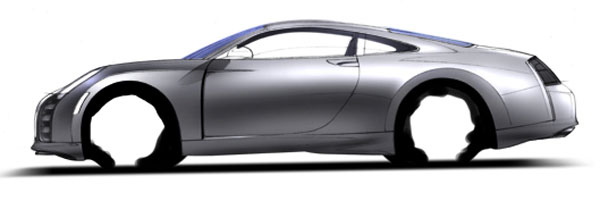
Once again, this one's a quick sketch technique for cars.Hope u enjoy it!

Quick Sketch Technique

Car Rendering Tutorial


Hey guys,
After quite a while i'v just got this really nice car rendering tutorial.I think you guys should check it out.I'v been keeping an eye open for one of these for quite a while.This one's for all the industrial designers out there.The website itself is quite informative.Here it is....

A Photoshop tutorial : rendering your car line drawing

have fun rendering!

Thursday, October 27, 2005

A great lecture given by Tim McColum - ILM Creature Artist

I took these notes at SIGGRAPH '05 held in LA.Hope it helps all you guys planning to make your way into creature development or who just like drawing and comming up with ideas for fantasy creatures.This would be a nice place to start. Happy drawing :-)

Creature development

Questions you should ask yourself before you start with the project :

  • What does it look like?
  • What is it supposed to do?

Look:

  • What is the Design Style of the creature i.e. is he cartoon like or Photo-real?
  • What is the body type of the creature?
  • What is the surface type or skin type of the creature?

Performance:

  • How are we going to integrate it into our work? i.e. Bluescreen or Digital?
  • What are the interactions of the creature going to be like?
  • What is the creature’s relationship with the camera going to be like?
  • What’s the scope of the creature’s use?

*Ask the client what has to be done and what is not needed.

Software Package:

  • What can the software do and more importantly what can I do with the software?
  • Find out the problem in the early stages of the process and come up with a solution early on.

Motion of the Creature:

  • Discuss with the team about what is required of the creature and not about what could be done.

Vertebrates:

  • A digital creature is a set of articulated surfaces, constructed, animated and renderd by a computer.
  • Use the artwork done and the reference material for this.

Concept Art:

  • What is the conceptual tone of the creature?
  • Decide the Pose and the environment your going to put him in at this stage.
  • Search for visual cues related to the creature you are drawing.
  • What is the form and the material of the creature?

When constructing the creature:

  • Give it an Extreme Pose
  • Extreme Form
  • Musculature (according to requirement) buts ok to exaggerate.
  • Keep him anatomically believable.
  • Give character to the creature through foreshortening.
  • Remember that the Concept art defines what is expected from the creature. i.e. its capabilities.

*Start storyboarding from the camera’s point-of-view.

Design Style:

  • Tone of the creature – is it Dark or Bright?
  • Identify the key elements within the creature – the invariant Perceptual Cues. i.e. The way something moves.
  • Define the Levels of importance of the various elements.

Primitive Style: e.g. Frosty / Casper

  • Does the creature have a cartoon esthetic?
  • If so give it simplified forms.

Abstract Style:

  • Keep the creature physically plausible at every stage no matter how hybrid you make the creature.

Naturalistic Style:

  • This style is probably the hardest to do as it is modeled from real-life.
  • It has to, “HAS TO” be Proportionally and Physically accurate.

Production Design:

  • What is the requirement of the concept of the artwork?
  • What is the level of Physical realism?

Body Style:

    1. Symmetry
    2. Body Type

Symmetry: The Technical Considerations.

The body type of creatures can be classified into three different types :

Viz. Radial, Bilateral, Segmented.

  • The difference above can have a large impact on the efficiency of the creature.
  • Symmetry should not be assumed. Asymmetry is a KEY FEATURE of organic realism.
  • Robots on the other hand would be a good example of bilateral symmetry.

Body Type:

    1. Bipedal
    2. Quadruped
    3. Winged
    4. Serpentine
    5. Special Designs
Bipedal:
  • Legs have Limited range of motion and the shoulders have a large range of motion.

Quadrapidal:
  • The primary motion of such animals is driven by their forward legs.
  • An artist would most likely face the most problems in dealing with the Head and Neck motion of these animals.

Winged:
  • The motion of such animal is complex to deal with on ground.
  • Folding wings also give a lot of rigging and deformation challenges.
  • The artist could also run into articulation and deformation problems.

Serpentine:
  • This creature may or may not have legs.
  • The primary motion of this animal is driven by its head.
  • Deformation issues range from the simple to the extreme.

Special Designs:
  • These would include monopods and tripods i.e. Creatures with more than four legs.
  • This catagory would also include transforming creatures.
  • The sequential artwork is highly importaint in this type of creature.

Example. The ape like walk for the tripod creatures in War of the Worlds.
Scorpian King , Mummy 2.

The transformation problems that an artist faces here are the volume and proportion changes i.e. form changes.

Lets now talk a little bit about the Skin Type:
  1. Rigid
  2. Flesh
  3. Clothing
  4. Hair,Fur.

Rigid:
  • In this case the deformation is non-existent.
  • The motion is primarily defined by rigging.

Flesh:
  • Since flesh has an Elastic property to it, it can strech, compress, wrinkle and fold.
  • The anatomy of the animal in this case would lie below the skin itself.
  • The range of motion of such type of creatures factor heavily into the difficulty of the problem.
  • Its not only a surface with texture but also "DETAIL".
  • Create the wrinkles.

Clothing:

Clothing can be of the following types:
  1. Loose Flowing
  2. Tight Fitti9ng
  3. Layerd
  4. Tattered

Cloth Dynamics:
  • Key factors in dealing with cloth dynamics are:
  • Dealing with the collision geometry.
  • What is the material quality?
  • Property similarity between multiple garments.

Scales, Hair and Fur:
  • Length
  • Density
  • Variation.

Long fur - BIG PROBLEMS!
  • The Props should preferebly be rigged seperately from the creature.
  • The props often move locally in relation to the creature eg.Ear ring
  • Make sure the props move with the creature and relative to him.
Review of the above:

Ask yourself what does the creature do ?
Scope
Interaction
The answer to this question can be found in the script, Storboard and Animatics.

How "Hero" will the creature be? (how close to the camera)
How many shots will the creature be in?

Is the creature a hero or pawn?
What is the relationship of the creature with the camera and the size on screen?
This will answer the question of what will be the level of detail of the creature.

For a "Hero" :
Medium-built for which there is usage but does not intend to hold up any kind of scrutiny.
Low-simple anatomical form i.e. no deformation.
For a "Pawn" :
A block form.
No articulation - way in the background.

Rule of thumb:
The size of the hero is 1/3rd size on screen.
1/5th if lowres.

Length of time on screen:
Remember who the audiance will be.
The screen size has an inverse relationship to the fedility requirement of the creature.

Interaction and Intigration:

Props
Other digital Creatures.
Environment
Live actors.

Environment interaction:
Factors at work :
Shadow casting
Dust from Footfalls.
Creature moving through foliage.

Live actors:
Similarity of material between actor and the digital creature. - Lighting has a lot to to with this aspect.
Capacity to inigrate with live actors is related to the creatures design style.

Creating creatures with sucess:
  • Ask the right questions before you start!
  • The artwork should define the technique.
  • Catagorize the answer between looks and behaviour.

Wednesday, October 26, 2005

Just a reminder to all my fellow students ...


Siggraph 2006 is just around the corner and is accepting applications for Student Volunteers. I was there (bumped up the waiting list at the last minute - i was not too thrilled about that at the time) for SIGGRAPH 2005 and i had a great time! I highly recommend it for all the students planning to apply for the first time, pls do! Its a great experience and you will meet a lot of people from your own field, not only students but also industry proffessionals.Its a great place to make good contacts and get some insights on whats happening in our industry. Not to mention all the great lectures you can attend while volunteering. :-)